

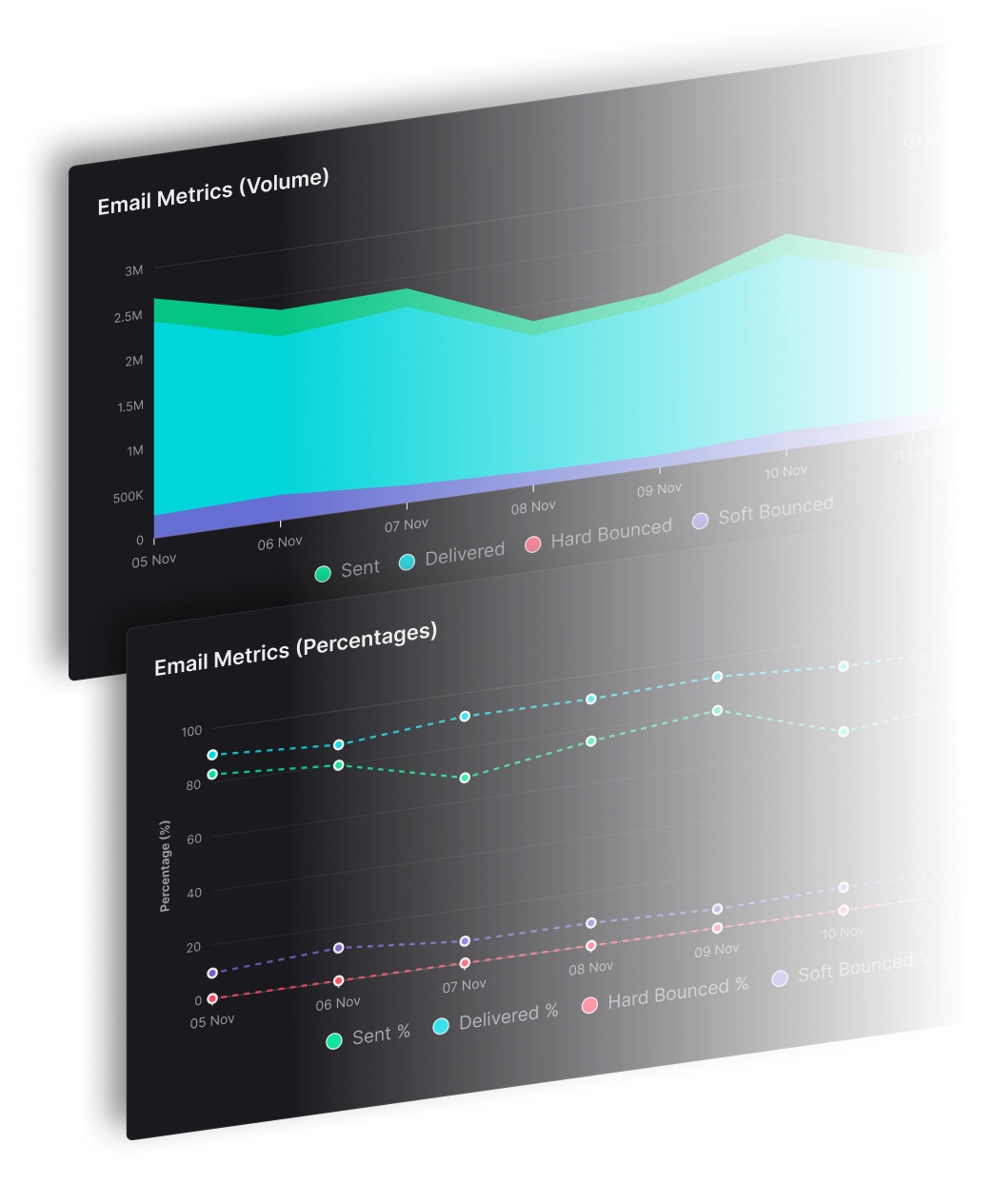


An email sequence is a set of automated emails sent to one subscriber in a fixed order, starting when something happens: they sign up, start a trial, or leave items in their cart. For example, a new subscriber gets a welcome email the day they join, a tips email two days later, and an offer at the end of the week.
You write the emails once and set the trigger (what starts the sequence) and the delays between emails. After that, every new subscriber who meets the trigger gets the same series at the right moment, without you sending anything by hand.
The eight sequences most businesses run are:
Welcome
Onboarding
Renewal
Abandoned cart
Re-engagement
Upsell and cross-sell
Nurture
Event
Below you'll find what each one does, a real example of each, how to track them, and how to set one up in SendX.
The 8 Email Sequences at a Glance
Sequence | Trigger | Goal | Suggested number of emails |
Welcome | New subscriber | Make a first impression, set expectations | 2 to 4 emails |
Onboarding | Trial or account signup | Get users to the "aha moment" | 5 to 14 emails |
Renewal | Upcoming renewal date | Renew early, surface issues | 2 to 3 emails |
Abandoned cart | Cart left without checkout | Recover the sale | 1 to 3 emails |
Re-engagement | No opens or clicks for a set period | Win back attention or clean the list | 2 to 3 emails |
Upsell and cross-sell | Purchase or plan milestone | Increase order value | 2 to 4 emails |
Nurture | Lead magnet download or webinar signup | Turn a lead into a customer | 4 to 8 emails |
Event | Event registration | Drive attendance, then follow up | 3 to 6 emails |
These email counts are SendX's suggested starting points, not rules. Your own data should decide the final number (see the tracking section below).
What is an Email Sequence?
An email sequence is a series of emails sent automatically, on a schedule or based on a subscriber's actions. You'll also see them called drip emails, lifecycle emails, email marketing automation, or autoresponders.
You can use sequences to nurture leads, welcome and engage new subscribers on your email list, onboard users, and remind customers to renew. Unlike one-off campaigns, all of this runs on its own once it's set up.
Setting it up does take work. You need to map the customer journey, write emails for each scenario, and track conversions. It's worth the effort, because the sequence keeps working for every new subscriber without you touching it.
Drip Campaigns vs Behavior-Based Email Sequences
The terms get used interchangeably, and many tools (SendX included) let you mix both. The real difference between the two is what decides when the next email goes out: a fixed calendar, or what the subscriber does.
A time-based drip campaign sends the same emails in the same order to everyone, on a fixed schedule. Day 0, day 2, day 5. Common examples:
A welcome series
A Black Friday or Cyber Monday countdown
Birthday and anniversary emails, which go out on a date stored in the subscriber's profile rather than in response to anything they do
A behavior-based sequence reacts to what the subscriber does. The next email depends on their action (or inaction). Common examples:
Special access for high-value customers
A browse follow-up after someone views a product page several times without buying
Time-based drips are easier to set up and need little segmentation. Behavior-based sequences take more planning, but they perform best when your segments are well defined.
Benefits of Email Sequences
They help you scale
You map your subscriber's journey one time. After that, the emails respond to how each person behaves: whether they open, use a discount, start a trial, or visit a particular page. Doing that by hand for every subscriber isn't realistic. A sequence handles it whether you have 100 subscribers or a million.
They get higher conversion rates
A sequence email arrives right after the subscriber did something, like downloading a guide or starting a trial, so it reaches them while they're still interested. That timing is what lifts the conversion rate: more of the people who get the email go on to take the next step. Segmentation adds to this. Because each email is triggered by a subscriber's past actions, you can judge their intent and send a message that fits. Group subscribers by low, medium, and high intent and write for each stage.
Subscribers get value too. They're guided through your product, and they can rely on your emails for reminders like renewals.
They drive more sales
A sequence gives you several chances to address objections, offer a discount, and restate your benefits. Once subscribers start engaging, closing the deal is a matter of a well-timed nudge. Each relevant email also builds familiarity, and familiarity builds the trust that leads to a sale.
Types of Email Sequences With Examples
1) Welcome Email Sequence
A welcome email is the first direct message a subscriber gets from your brand. It's your first impression, so make it count.
Three things to keep in mind when you write it:
Keep the tone warm and positive
Tell readers what to do next
Keep your design and writing voice on brand
This email from Frame.io has all three:

The welcome series also tells you a lot about the health of your list. LoriBeth Blair, a deliverability consultant who advises SendX, starts every audit there:
"One of my biggest tips: check the first email you send people and how it's performing. For a lot of ecommerce brands and many other senders, that's the welcome series. That very first email tells you a lot about the quality of the data you're taking in. Are people engaging with it, or is it already getting filtered?"
So watch your welcome email's engagement closely. If it's weak, the problem usually starts with how you're collecting addresses, and fixing it there protects your email deliverability.
Your welcome email is also a good place to ask subscribers to add you to their contacts. Once someone saves your address, their inbox treats you as a known sender: Gmail, for example, stops sending a contact's messages to spam. That keeps the rest of your sequence in front of them. Evercoach makes the ask in the PS:

2) Onboarding Email Sequence
Onboarding emails help new users reach the "aha moment" where they see the value of your product. That's what turns a free trial into a paid plan. If you run a software product, our guide to SaaS onboarding emails goes deeper.
Headspace sends a daily email during its free trial, encouraging you to use the app to meditate, unwind, and relax.

This email works because:
It focuses on benefits, not features.
It matches where the subscriber is in the journey (day 1 here), so it feels personal.
It builds a habit instead of just saying "use our app daily."
When each email teaches something useful, the daily cadence doesn't feel like a sales push. It feels like part of the product.
3) Renewal Email Sequence
A renewal sequence keeps your brand top of mind. If something's wrong (or right), customers are more likely to tell you before they renew. And the earlier someone renews, the fewer reminders they get.
Send renewal reminders before the renewal date, and build a short series rather than a single email. Set your automation to stop the series as soon as the customer pays.

4) Abandoned Cart Email Sequence
Abandoned cart sequences are one of the highest-value sequences you can run, because the shopper has already shown strong intent to buy. And there's a lot to recover. Baymard Institute averaged 50 studies of online stores and found that 70.22% of ecommerce shopping carts are abandoned before checkout.
Send a single email or a short series that shows the product name, image, and price for each item left behind. Add a recommendation block for similar items. To close the deal, offer an incentive like free shipping, a discount code, or an extended trial.
This one from Society6 offers 30% off the items left in the cart:

Cart emails don't have to be serious or pushy. This one from Casper adds a little fun with a creative headline:

5) Re-engagement Email Sequence
Re-engagement emails aren't about sales. They're about winning back subscribers who have stopped opening or clicking your emails for a long stretch, often a few months. For apps, they're a good way to lift daily or monthly active users.
This classic example from Return Path (now part of Validity) asks the subscriber to update their preferences, re-engage, or unsubscribe for good:

There's no fixed rule for when to send it. Pick your own inactivity window, say 90 days without an open or click, and trigger the sequence from there.
Re-engagement also protects your sender reputation. Subscribers who never engage are more likely to mark you as spam, and Gmail's sender guidelines require you to keep spam rates below 0.3%. If a subscriber doesn't respond to the sequence, remove them. Our guide to email list cleaning walks through how.
6) Upsell and Cross-sell Email Sequence
Upsell and cross-sell emails give customers a chance to buy items that complement what they already bought. They promote a purchase, but they shouldn't scream "buy me now!" The message is closer to "we think this will help you too."
Here's how Airbnb does it. After you book a stay in a city, it recommends local experiences you can book for each day of your trip:

Keep upsells relevant. Offer the next product or plan that fits what the customer already has.
7) Nurture Email Sequence
A nurture sequence turns a lead into a paying customer. The lead usually comes from a free subscription or a lead magnet, like a guide or a webinar.
The sequence starts after the person has consumed that content: they've downloaded the guide or watched the webinar. From there it moves from education, to introducing your offer, to handling objections, and finally to closing (with scarcity, if you genuinely have it).
Here's a nurture email from Harry's, teaching subscribers how to get more out of a product feature after they joined the email list:

For a full walkthrough of planning and running one, see our guide on how to run an email nurture campaign.
For more examples of strong emails outside of sequences, see our roundup of the best email marketing campaigns.
8) Event Email Sequence
An event sequence is a series of emails sent around an online or offline event. It has two parts:
Pre-event emails remind people to attend, build excitement, and tell them how to prepare.
Post-event emails collect feedback and offer a subscription or product, since attendees have already shown interest.
Here's a reminder email from Mindvalley for a masterclass the subscriber signed up for:

After the masterclass, a follow-up sequence invites attendees to join the paid course:

How to Track Your Email Sequences
Tracking does two jobs. It lets you compare email against your other lead and customer sources, and it shows you where to improve the sequence.
Focus on three metrics:
Customer acquisition cost: Work out what it costs to send someone ten emails before they buy a $10 book, then compare that with channels like social media. This tells you whether to put more time and money into sequences or elsewhere.
Conversion rate per email: A sequence's job is to move subscribers down the funnel, even after a first purchase. Check which emails actually get people to act. If conversions drop at one step, either something's broken or the content isn't landing.
Time to conversion: This is the time (or number of emails) it takes to move someone to the next step. If most subscribers convert after email 3, shorten the sequence. If it's taking longer, improve the content.
Lean on clicks and conversions more than opens. Apple's mail apps account for 62.26% of the opens Litmus tracked in July 2026, and for subscribers who use Apple's Mail Privacy Protection, Litmus doesn't count those opens as reliable. Open rates overstate engagement as a result.

5 Email Sequence Best Practices
1) Use a call to value, not just a call to action
Every email in a sequence has one job: move the subscriber one step forward, whether that's reading a guide, finishing setup, or completing a purchase. The call to action (CTA) is where that step happens. If an email has no CTA, or three competing ones, the subscriber doesn't know what to do next and the sequence stalls at that email.
So give each email a single CTA, and make the button say what the reader gets, not just what they should do. "Click here" or "Sign up" tells them nothing. "Get my free guide" or "Finish my setup" tells them what happens when they click. That's a call to value.
2) Tailor sequences to subscriber actions
Each follow-up email should pick up from the specific action that started the sequence, not send the same generic message to everyone.
If a subscriber downloads a lead magnet, the follow-up emails should build on that topic. If they download a template, send tips on using it, examples from others who've used it, or related templates.
That's how you go beyond targeted emails to an experience that feels made for each subscriber.
3) Keep a consistent schedule
Pick a sending rhythm your subscribers can count on, and stick to it. If your onboarding sequence sends every day at 10 AM, keep it there. Missed or erratic emails break the flow and confuse people.
Watch the frequency, too. Too many emails in a short window leads to fatigue and unsubscribes. Every email needs a working unsubscribe link. Under the CAN-SPAM Act, you must honor opt-out requests within 10 business days, and that includes stopping any sequence the person is in.
4) Automate the triggers
Automation sends each email at the right time to the right person, without manual work. Sequences can start from actions like signing up for a newsletter, making a purchase, or abandoning a cart.
In SendX, drip sequences can be started by an automation rule, a visual workflow, or the API, so you can trigger them from almost any event. You focus on the content, and SendX handles timing and delivery.
5) Make it mobile-friendly
Many of your subscribers will read on a phone, so optimize your emails for mobile. Use a responsive design, keep emails short, use a readable font size, and make buttons easy to tap. Apple's mail apps and Gmail together account for about 89% of the opens in that same Litmus report, so test in both before you launch.
How to Set Up an Email Sequence in SendX
Setup has two parts: the drip and the trigger.
The drip is the sequence itself: the emails, the order they go out in, and the wait between each one. The trigger is the rule that decides who enters the drip and when, for example "someone joins my newsletter list." In SendX you create the trigger inside an automation. A drip with no trigger sits unused, because nobody is ever added to it. So you build the drip first, then the automation that feeds people into it.
Go to Campaigns, select Drip, then click New Drip.
Name the drip and enter your sender name and email address.
Add your emails and set the delay between each one. Write the subject line and content for each step, and set each email's status to Active or Draft. You can start from a template and use the drag-and-drop editor, no code needed. Optional settings include skipping weekends and tracking replies.
Open Automations from the left-side menu and create a new automation.
Under Trigger, select SendX and "Subscribes to a list," then choose your list.
Under Action, select SendX and "Subscribes to a drip," then pick the drip you just created.
Save the automation. From now on, everyone who joins that list enters your sequence.
Prefer a visual builder? You can add the drip as a step in a visual workflow instead. Our step-by-step guide to creating your first drip sequence covers the advanced options in more detail.
Choose SendX to Build Email Sequences That Convert
Running eight sequences by hand means keeping track of who signed up when, who bought, who went inactive, and who should stop getting emails. That's the work a sequence tool should take off your plate. Start with one sequence (welcome is the easiest win), measure it, then add the next.
SendX is an email marketing platform for growing businesses, with signup forms, landing pages, campaigns, and automation in one place. Drips hold your emails and delays, automations add the right people the moment they join a list, and the visual workflow builder handles sequences that branch based on what subscribers do. SendX has built-in triggers and actions for bloggers, ecommerce stores, SaaS companies, and newsletters, so you can build every sequence in this guide in one place.
You can try SendX free with no credit card required, then pick the plan that fits your list.
FAQs
What is an email sequence?
An email sequence is a series of automated emails sent on a schedule or in response to a subscriber's actions, like signing up, abandoning a cart, or going inactive. They're also called drip emails, lifecycle emails, email marketing automation, or autoresponders.
What are the types of email sequences?
The eight most common email sequences are:
Welcome
Onboarding
Renewal
Abandoned cart
Re-engagement
Upsell and cross-sell
Nurture
Event
How many emails should an email sequence have?
Most sequences run between 2 and 8 emails, depending on the goal. Welcome and abandoned cart sequences are usually short, while onboarding sequences can run longer, sometimes one email a day for a two-week trial. Track time to conversion and shorten the sequence if most people act early.
How do I write a good email sequence?
Keep these practices in mind:
Deliver what you promised when they subscribed
Write with personality so it doesn't read like an automated system
Show what you do and how it helps them
Teach them something useful in every email
Give each email one clear call to value
What metrics should I track for an email sequence?
Track customer acquisition cost, conversion rate per email, and time to conversion. Lean on clicks and conversions more than opens, because Apple's Mail Privacy Protection makes open rates unreliable.
What's the difference between a drip campaign and an email sequence?
A time-based drip campaign sends the same emails to everyone on a fixed schedule. A behavior-based email sequence changes based on what each subscriber does, like clicking, buying, or going inactive. Many platforms, including SendX, let you combine both.
