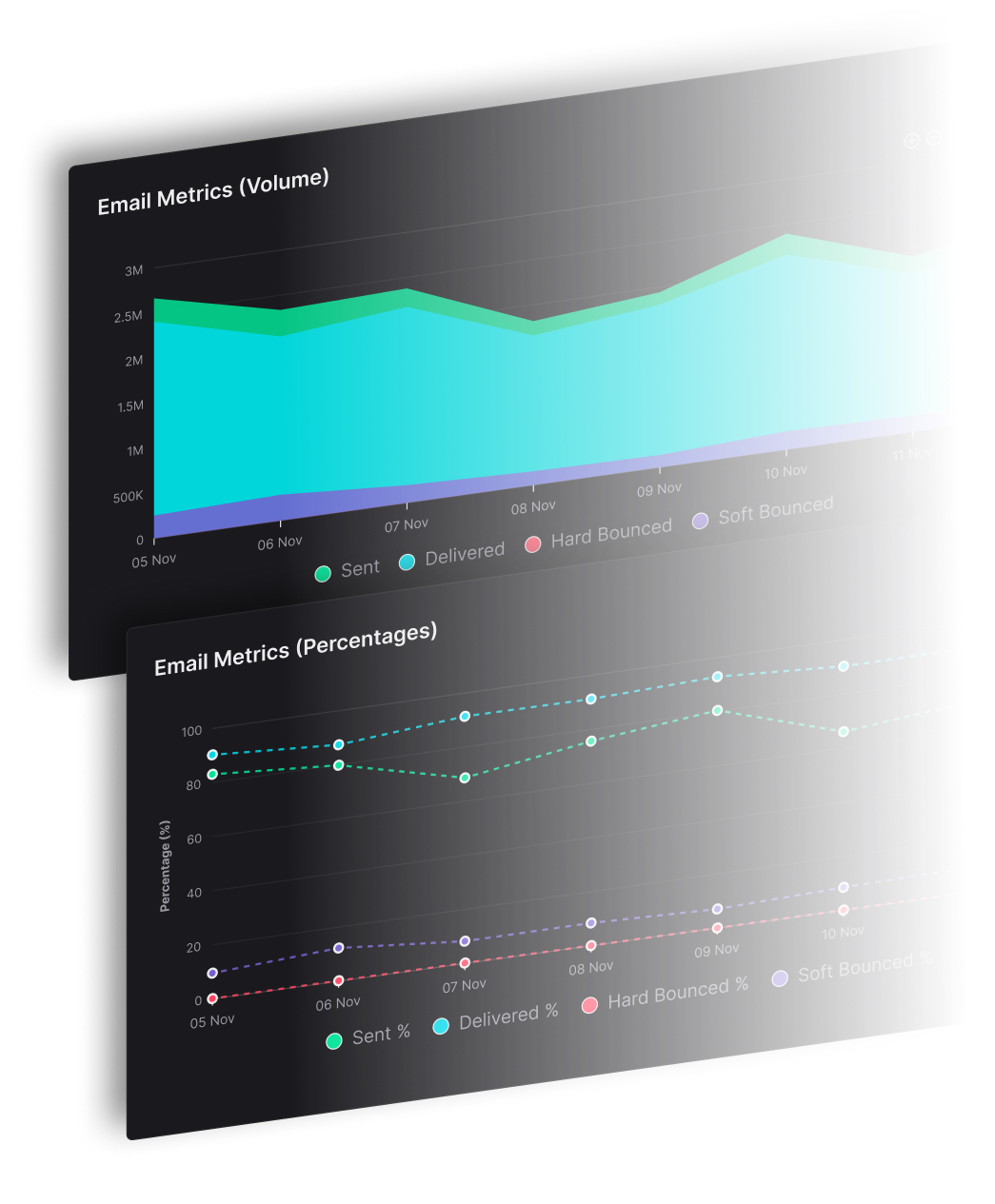
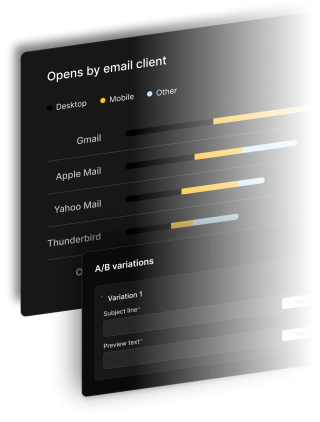
SendX segment builder combines lists, tags, custom fields, and engagement history with AND/OR logic — and keeps every segment current automatically as contact data changes. Segmented campaigns generate up to 760% more revenue than non-segmented sends (DMA).
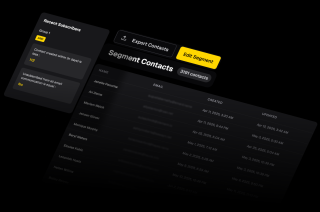
The same segment builder, applied to different targeting problems. All three update automatically — no manual list management required.
Build a segment for contacts who opened at least one campaign in the last 90 days but have not opened anything in the last 30. This is your at-risk audience — still warm enough to re-engage, but showing early drop-off signals. Send a re-engagement sequence to this segment. As contacts open again, they exit automatically. As others go quiet, they qualify in.
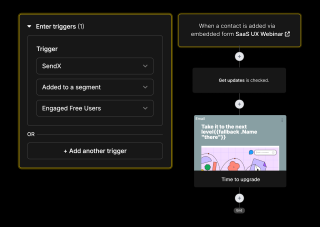
If you pass plan type and signup date into SendX as custom fields, you can build a segment for trial contacts in days 10–13 of their trial — the window where upgrade intent is highest before the trial expires. The campaign goes only to this group. As users upgrade or their trial ends, they exit the segment automatically.
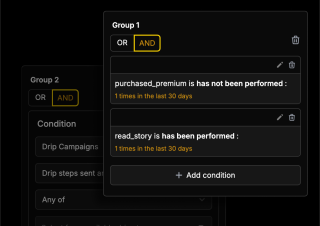
Combine purchase history tags with list membership to target contacts who bought from one category but not another. Tag contacts as they purchase — the segment builder picks them up automatically. Run a campaign promoting a complementary product to exactly this group, without touching anyone who already bought it.
Everything you need to know about SendX and our services. Last updated June 2026.
A smart segment is a saved audience definition built from one or more conditions — list membership, tags, custom field values, or engagement history. Unlike a static list, a smart segment updates automatically. Contacts qualify when they match the conditions and exit when they no longer do. Every time you send to a segment, SendX resolves it fresh against your current contact database.
Yes. The SendX segment builder lets you chain conditions using AND (contact must match all conditions) or OR (contact must match at least one). You can mix both in the same segment — for example, contacts who are on a specific list AND have a custom field value above a threshold, OR who have a particular tag applied. There is no limit on the number of conditions per segment.
SendX segments are dynamic — they update in real time as contact data changes. When a tag is applied to a contact, when a custom field updates, or when a contact subscribes to a list, segment membership is recalculated immediately. There is no scheduled refresh or manual update required. When you send a campaign, the segment audience is resolved at send time so it always reflects current contact state.
A static list is a fixed group — contacts are added manually or via a signup form and stay until removed. A segment is a dynamic query that defines the conditions a contact must meet, and membership updates automatically as contact data changes. The same contact can be on a static list and qualify for dozens of segments at the same time. Use lists for subscription management and double opt-in compliance. Use segments for campaign targeting, where you need the audience to reflect current contact state rather than a snapshot from when they signed up.
You can build segments from any contact attribute in SendX — list membership, tags (applied manually or by automation), custom field values (text, number, date, or dropdown), and email engagement history (opened, clicked, not opened in X days). All attributes are available on every SendX plan with no tier restrictions.
Still have questions? We're here to help.
"After testing out SendX for 1 month it was clear that this is the right system for us. We went ahead with the full implementation and did a deep integration of SendX with our in-house CRM.
I would recommend [SendX] to anyone who has a marketing automation use case. "
A/B Split Test is one of five campaign types in SendX. Write two or more subject lines, send them to a slice of your list, and the winner goes out to everyone else automatically. Included on every plan, not held back for a higher tier.
Automatically ramp sending volume to earn a rock‑solid sender reputation—no spreadsheets required.
Write, publish, and track articles without leaving SendX—turn readers into subscribers in minutes.
Filter out security‑scanner noise and see the clicks that actually matter.
Auto‑expire unsent emails so your audience only sees timely, relevant messages.
Give every campaign its own reply‑to address and make sure answers land in the right inbox—every time.
Build your first smart segment in SendX. Define the conditions, let the segment stay current automatically, and send to an audience that actually matches what your email is about.