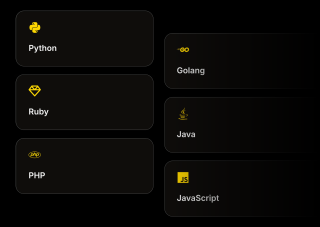
A REST API covering 12+ resources, with native SDKs for Python, Go, Ruby, Java, PHP, and JavaScript. Authenticate with a single header, run any endpoint in the browser before you write a line, and copy working examples in your own language.
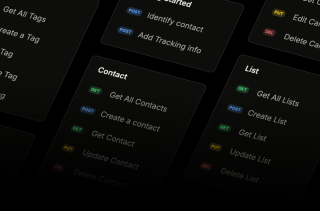
Full CRUD on contacts, lists, tags, campaigns, senders, templates, custom fields, domains and webhooks — the same objects you work with in the app, addressable programmatically.
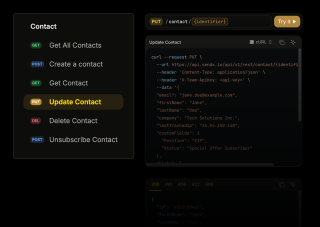
Create, read, update, delete and unsubscribe contacts through the contact endpoints. Identify contacts one at a time or in bulk, attach custom fields and tags as you go, and push behavioral events from your own product so segmentation reflects what people actually did rather than what a form told you.
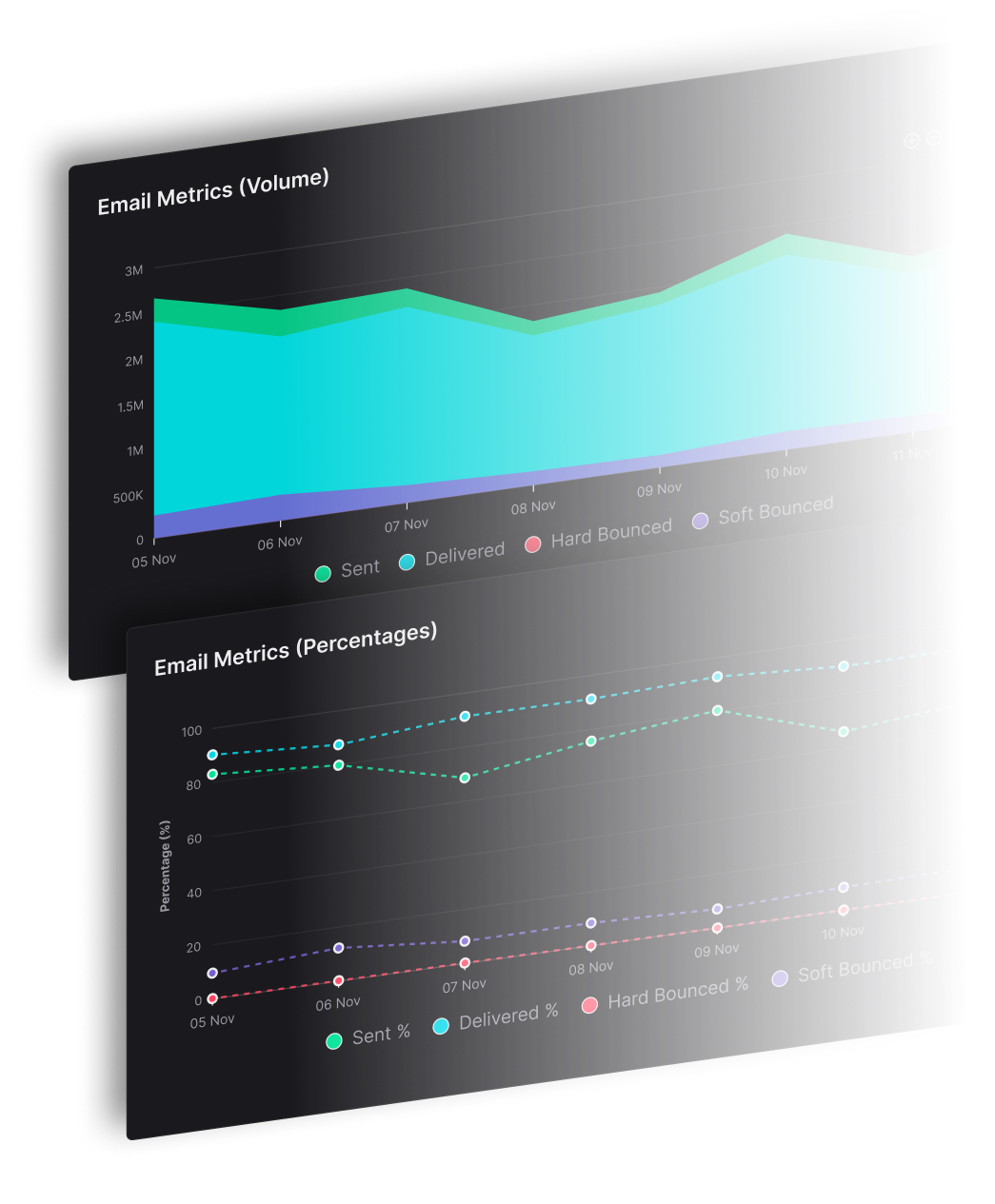
Campaigns are a first-class resource. Create one, edit it, schedule it, and pull its performance back out through the campaign reporting endpoint — which means your own dashboard can show campaign results next to everything else you measure, instead of asking someone to export a CSV.
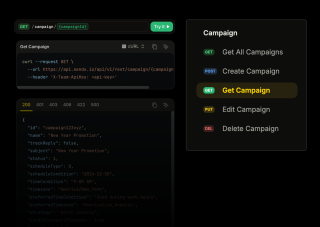
You should not have to write an HTTP client to evaluate an API. Every endpoint in the documentation has a Try it button that runs it live, getting-started guides carry working examples in all six languages, and a Postman collection is there if you would rather poke at it outside the browser.
Everything you need to know about SendX and our services. Last updated June 2026.
With a single header. Every request carries X-Team-ApiKey set to your team API key — there is no OAuth dance and no token refresh to manage. The base URL is https://api.sendx.io/api/v1/rest, and entity IDs are prefixed by type (contact, list, tag, campaign, sender), so an ID tells you what it points at when you find it in a log six months later.
Six: Python, Go, Ruby, Java, PHP, and JavaScript. Each has a getting-started guide with working code examples, so you are copying from your own language rather than translating cURL. If your stack is not on that list the REST API is plain JSON over HTTPS and works with any HTTP client.
Yes. The documentation at docs.sendx.io has a Try it button on every endpoint that runs the real request in your browser and shows you the actual response, including the error shapes for 401, 406, 422 and 500. There is also a Postman collection if you would rather work outside the browser.
Twelve or more resources, with full CRUD on each. Contacts, lists, tags, campaigns, senders, templates, custom fields, domains, webhooks, and blog posts with their categories and tags, plus team members. In practice that means most things you can do by clicking in SendX, you can do from your own code — including creating a campaign, scheduling it, and reading its results back.
Six outbound event types: unsubscribe, dropped, bounced, marked spam, opened, and clicked. Webhook objects support verification so you can confirm a payload genuinely came from SendX before acting on it. Inbound webhooks are supported too, if you want SendX to receive events rather than emit them.
Yes, through the Transactional Email addon — $10/month plus $0.003 per email. Once enabled you can trigger registration confirmations, password resets, receipts and order confirmations through this API or over SMTP, using credentials from your account settings. The addon adds dedicated transactional templates, your choice of shared or separate IP pools, delivery and open analytics, and a logs view showing per-message delivery status. See the transactional email addon for the full picture.
Still have questions? We're here to help.
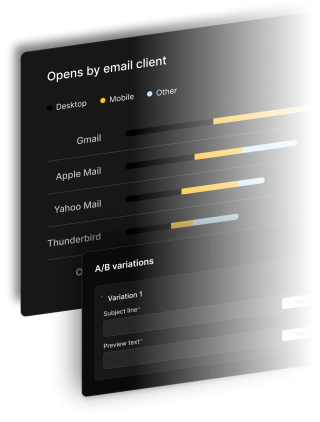
A/B Split Test is one of five campaign types in SendX. Write two or more subject lines, send them to a slice of your list, and the winner goes out to everyone else automatically. Included on every plan, not held back for a higher tier.
Automatically ramp sending volume to earn a rock‑solid sender reputation—no spreadsheets required.
Write, publish, and track articles without leaving SendX—turn readers into subscribers in minutes.
Filter out security‑scanner noise and see the clicks that actually matter.
Auto‑expire unsent emails so your audience only sees timely, relevant messages.
Give every campaign its own reply‑to address and make sure answers land in the right inbox—every time.
Full REST reference, a live playground on every endpoint, and getting-started guides in six languages at docs.sendx.io.