

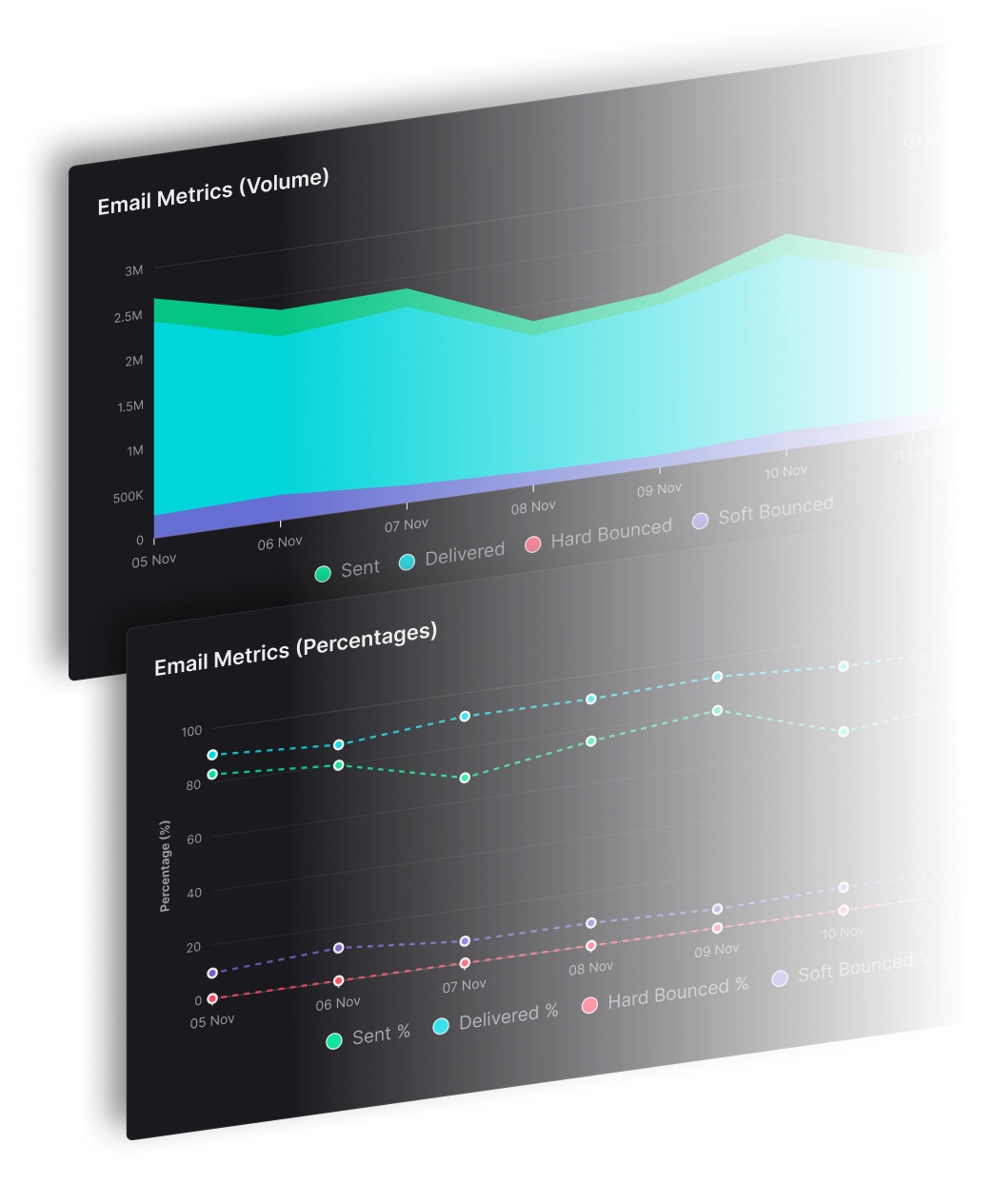


Queued email is an outgoing message that the sending system has accepted but has not yet handed to the recipient's mail server, so it waits in line and gets retried until it is delivered or expires. It is an intermediate state, not a failure, and not proof the message arrived.
Getting this right for one app is simple. Across dozens of brands copied from one default, sends start waiting together, and one slow destination holds back every other route you run. SendX Infrastructure is the delivery engine for senders who carry several brands, clients or titles on one account, with each brand on its own domain and IPs.
Ask a sender what a queued message means and most will say the recipient's server rejected it, then hit resend. The question that exposes the gap is a different one: which queue is holding the message, and who decides when it moves next? This guide covers the statuses you'll meet in a sending log, where a queue sits, why messages wait, how long they wait and what to check before you send a second copy.
What Queued Email Means in Plain Terms
Think of a parcel that reaches the depot after the vans have gone out. Nobody has signed for it, and it isn't lost. It sits on a shelf with a label saying where it goes next, and a clerk tries again on the following run. Queued email works the same way: the sending system still has the message, still knows where it's going, and still owes you a delivery attempt.
What does queued mean in email?
It's the label a sending system puts on a message it has accepted and is still responsible for. In a sending log, an API response body or a dashboard status column, queued names a position in a line rather than an outcome.
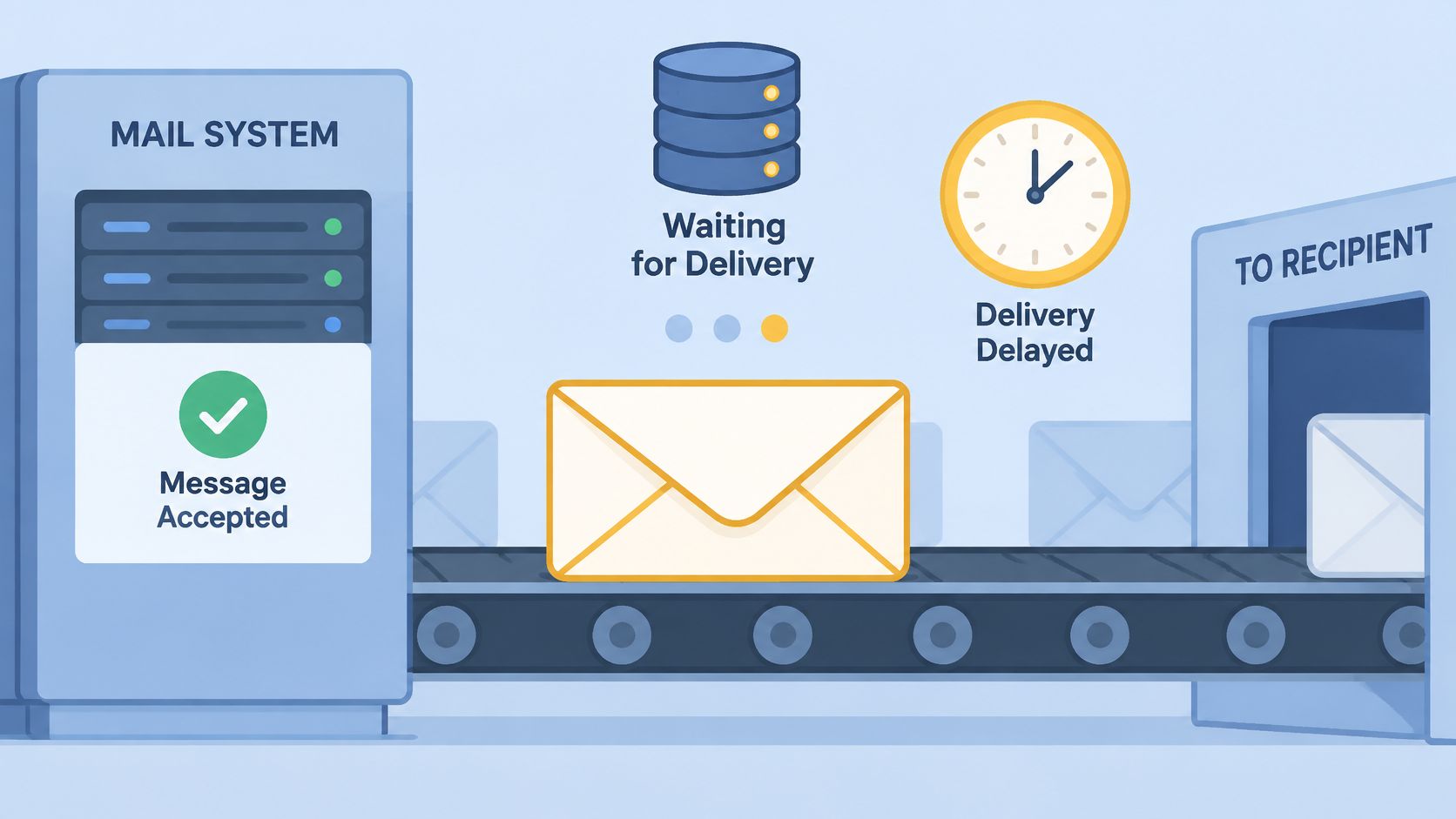
The rule behind it comes from the protocol. RFC 5321 requires that mail which can't be transmitted immediately be placed in a queue and retried periodically by the sender. A queue entry holds both the message and its envelope data, the sender and recipient routing information, so responsibility stays with the sending system until the handoff happens.
Three things a queued status does not mean:
- It is not a failure. The message hasn't been refused. A refusal produces a bounce, which is a different status.
- It is not receipt. Nobody has confirmed the recipient received or read the message.
- It is not inbox placement. That's decided after acceptance, by filters you don't control.
You'll meet the word most often in a sending log line next to a timestamp, in the response from an API send call, or in the status column of a campaign dashboard. Read the line for the SMTP code beside it before you read anything else.
Queued Is a State, Not a Verdict
Four statuses show up in a sending log, and each one tells you something different about who holds the message and what happens next.
| Status | What it tells you | Typical SMTP signal | What happens next |
|---|---|---|---|
| Queued | Accepted by the sending system, not yet handed to the recipient's server | None yet, retry pending | Sender retries at the next scheduled attempt |
| Deferred | Temporary failure, message still in progress | 4xx response or connection failure | Sender retries until delivered or the queue expires |
| Bounced | Permanent failure, message will not be retried | 5xx response | Final failure, fix the address or the cause before sending again |
| Delivered | Mailbox provider accepted the message | Successful end of transaction | Mailbox provider handles placement from here |
Sources: the IETF's RFC 5321 and Microsoft Learn's documentation on Exchange message queues.
Queued and deferred are the two retry states, and what separates them is the attempt history. Queued means the sender took the message and hasn't handed it over yet. Deferred means an attempt already came back with a temporary problem, usually a 4xx reply or a connection failure, and the sender scheduled another go. A 5xx reply is the line that stops the retrying and produces a bounce.
Read the status first, then the SMTP code, then choose the next step. The code tells you whether waiting can help.
Delivered is narrower than commonly assumed. It means the mailbox provider accepted the message at the end of the SMTP transaction, nothing more. Placement is decided after that acceptance, by filtering and local processing.
Queue status doesn't establish inbox placement or spam-folder placement, and it doesn't promise eventual delivery, as the distinction between queued mail and delivered mail sets out. Placement is settled after acceptance by authentication and complaint history. SPF or DKIM matters for every sender, aligned authentication with DMARC and one-click unsubscribe matters for high-volume senders, and spam-complaint rates change how a provider treats your later mail. A queue that persists is often a reputation or traffic-management signal rather than a software backlog.
Where a Queued Email Sits and Who Acts Next
The word queued hides the location, and the location decides who you should be asking.
A letter can sit in your desk tray, in the sorting bin at the post office, or on the intake desk of the receiving office. Same word, three different people who can move it. Email queues split the same way, and the owner of the queue is the only party who can tell you the retry reason.
| Queue location | Who controls the next step | Evidence to request |
|---|---|---|
| Sender application outbox | Your app or worker | Job status, worker logs and the message ID |
| SMTP provider outbound queue | The sending platform, retrying the recipient's server | Queue owner, message ID, last attempt, SMTP response and next retry time |
| Recipient mail server, accepted but still processing | The receiving server | The acceptance response and any later processing record the receiving side can share |
A queue is only a state, and the reason behind it can sit anywhere. A message stays queued because the recipient is deferring traffic, because the sender is deliberately pacing volume, or because an internal worker stalled mid-job. The status column looks identical in all three cases.
The handoff between two servers is the job of a mail transfer agent, and what an email MTA does explains the layer that owns most of those transitions. Once you know which layer holds your message, the evidence to ask for becomes obvious.
Confirm the location before you resend. A second copy created while the first is still active delivers duplicates, and the recipient sees both.
Why Queued Email Waits and How Long It Stays
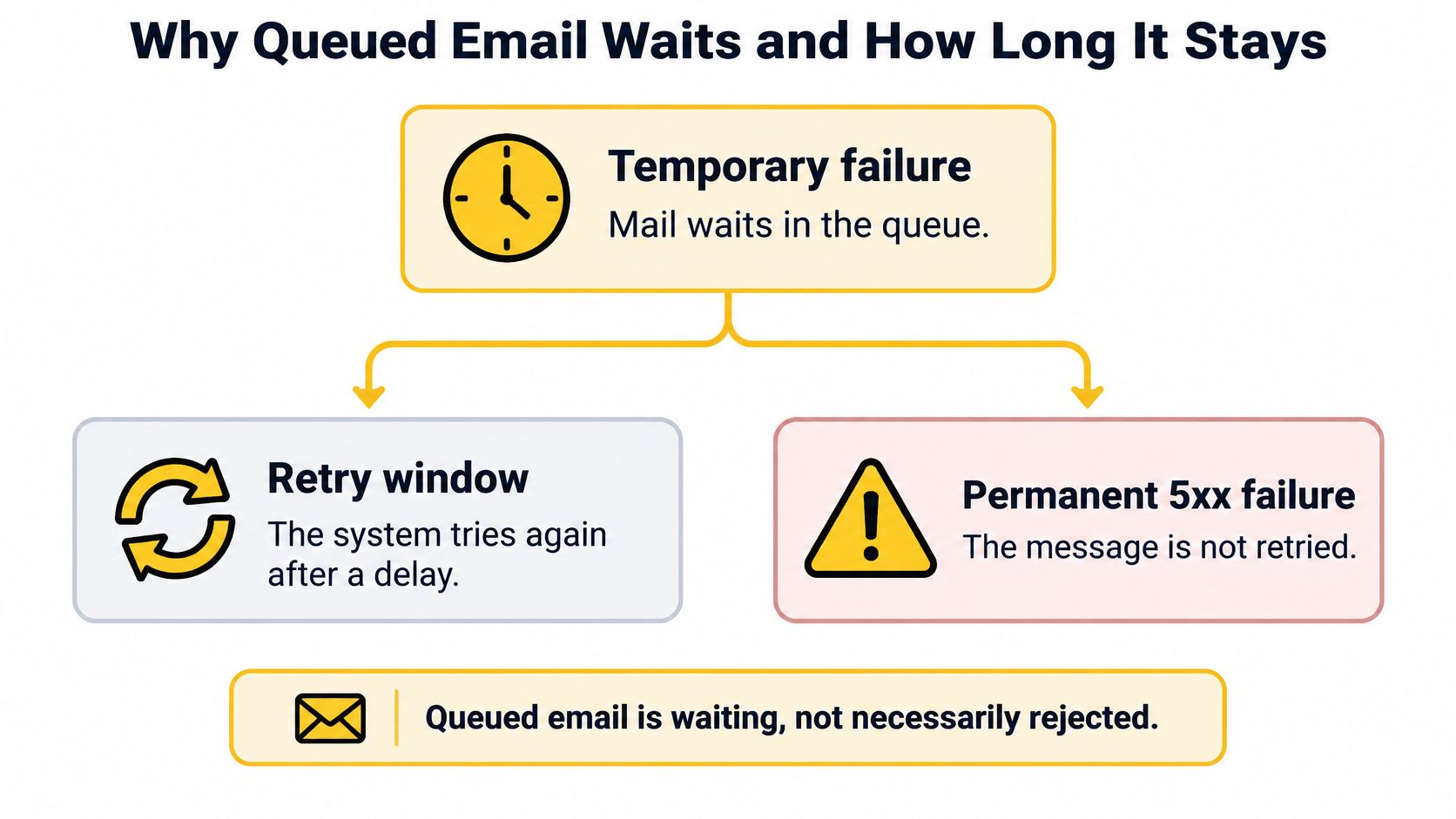
Senders often read a wait as a rejection. A queue fills for the opposite reason: the attempt failed in a way the system expects to recover from, so it kept the message instead of refusing it. A permanent failure doesn't wait at all.
Why does my email wait instead of bouncing?
A temporary reply leaves the sending system with nowhere to put the failure except back in the queue. The usual causes look like this.
- An unreachable destination server. The receiving host is down, refusing connections or not answering at all.
- A connection timeout. The handshake starts and stalls, so the attempt ends without a verdict and gets retried.
- A 4xx reply from the recipient server. Greylisting, a full mailbox or a temporary policy block all mean come back later.
- Throttling from a mailbox provider. A provider caps how much mail you can hand over in a window, and the excess waits. Email throttling explains how those windows are set and reset.
- Your own pacing. When you spread a campaign across a time window by design, some messages wait on purpose.
Connection capacity plays a part too. A queue also fills when the sending side can't open connections fast enough, which is a capacity question rather than a rejection question.
How long does a queued email wait?
The protocol sets a floor rather than a deadline. RFC 5321's retry guidance recommends spacing retries for a destination at least 30 minutes apart, while allowing tighter or looser timing where the sender understands the failure. The queue holds the message, envelope sender, recipients and delivery state, so your application never resubmits, and a successful submission response can sit next to a delivery that's still pending.
A typical timeline runs in four stages.
- Accept. Your app or the sending platform takes the message and writes the queue entry.
- Attempt. The first connection to the recipient's server ends in a temporary failure.
- Retry. Attempts continue with widening gaps, so a struggling provider isn't hit on a fixed rhythm.
- Resolve. The message is handed over, or the queue lifetime runs out and the failure becomes permanent.
Real queue managers add their own rules. The Postfix queue manager documentation describes exponential backoff, where the interval between attempts doubles, and records a per-recipient reason for each delay. It also warns that repeatedly flushing undeliverable mail harms overall delivery performance, because forced retries add connection pressure, trigger provider throttling and slow unrelated messages.
A retry is a second chance, not a fix. If the cause is still there at the next attempt, the message waits again.
Retry windows also change what arrives when, which matters if your copy assumes a send time. Narrareach's approach to better emails covers writing campaigns that hold up when delivery timing shifts.
What should you monitor?
Track queue age, retry count, backlog by destination domain and the share of temporary failures. Age and growth rate tell you more than total queue size, because a large queue that drains in minutes is healthier than a small one where every message is 6 hours old.
Each platform sets its own retry lifetime, usually expressed as a maximum queue age before the message expires into a permanent failure. Find yours before you call a message lost.
What a Growing Queue Tells You at Volume
The case that catches multi-brand senders is a healthy dashboard with one brand stuck behind it. Overall delivery looks fine, because it's an average across every brand, provider and IP you send from. One identity can be hours behind while the headline number stays flat.
Split the symptom before you touch anything.
| Queue symptom | Likely cause | Where to look first |
|---|---|---|
| Backlog at one mailbox provider, overall rate looks healthy | Throttling or deferral at that provider | Queue and SMTP codes for that provider only |
| Queue grows across every destination | Outage or sender-side capacity problem | Connection errors and outbound worker health |
| Messages wait with few 4xx errors | Connection capacity and concurrency settings | Connection attempts and the message-count threshold per connection |
| Queue grows for one brand's sending domain or IP pool | Problem isolated to that identity | Results per sending domain and per IP |
Sources: Microsoft Learn on Exchange stuck queues and RFC 5321.
The third row is the one that misleads people. Microsoft documents an Exchange case where messages stayed stuck for several minutes with few or no 400-series deferrals explaining the backlog, because a threshold parameter decides when the server opens another connection to a destination. Queue time can come from transport scheduling, not only from recipient refusals. You can read the full write-up on stuck Exchange queues for the settings involved.
A queue that clears in minutes barely dents the delivery rate you report. A queue that ages past a few hours on one provider does, and it drags the aggregate down with it before anyone notices which brand caused it.
In SendX, queue controls run per mailbox provider, so a slow Gmail queue doesn't hold back Outlook delivery and you skip the manual job of pausing one route by hand. The deliverability controls set those limits provider by provider.
Check the Queue Owner Before You Resend
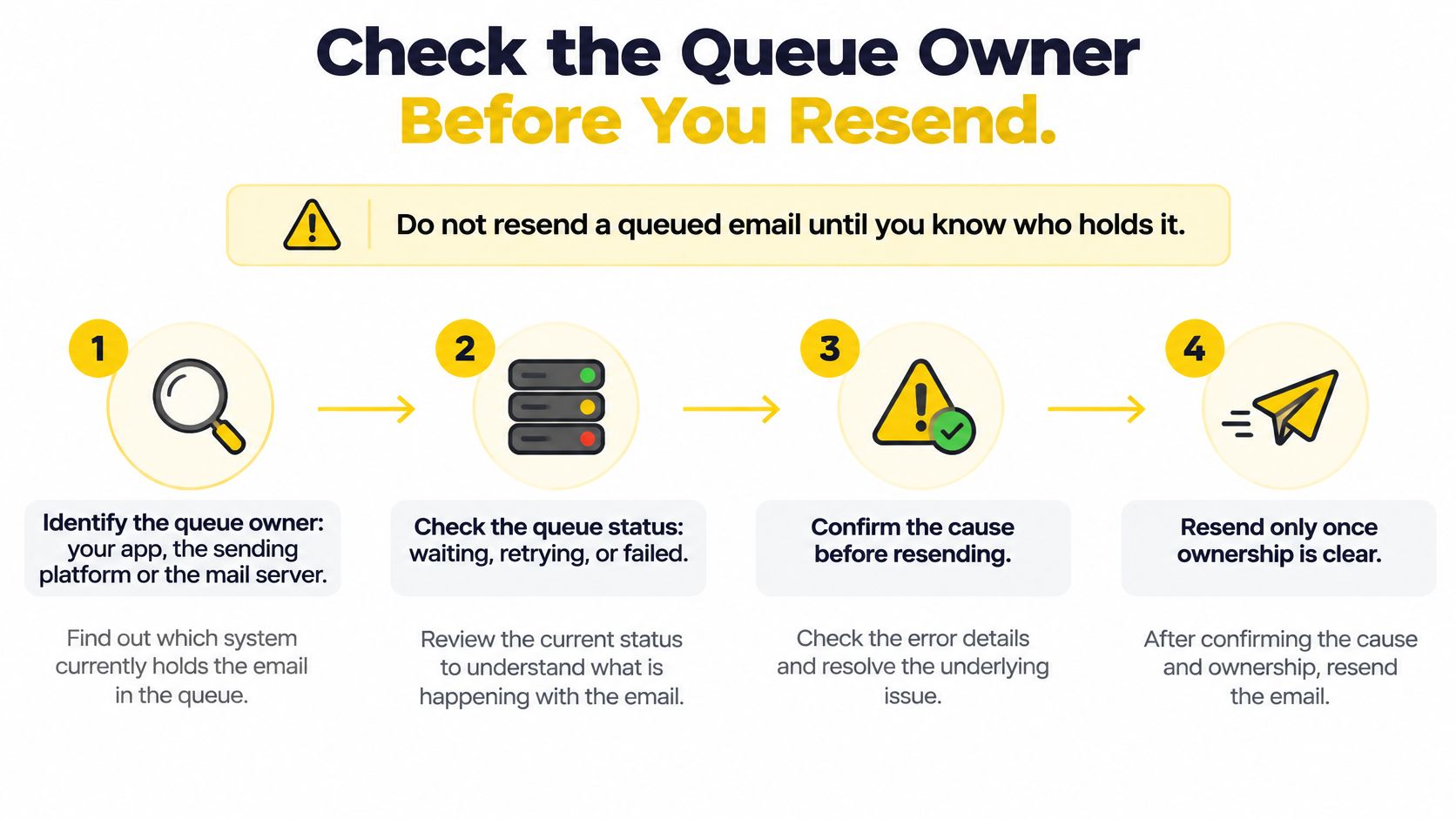
Don't resend a queued email until you know who holds it. Work through these five checks in order.
- Identify the queue owner. Your app, the sending platform or the receiving server, because only one of them can tell you what happens next.
- Pull the message ID, the last attempt and the SMTP response code. Those three fields turn a vague wait into a specific cause.
- Check the next retry time against the message age. Compare it to the expiry rule your platform uses, so you know whether waiting still has room.
- Compare queue age for other sends to the same mailbox provider and domain. One slow route is a route problem; every route slow is a sender problem.
- Wait for the retry or the expiry before resending. A second copy sent while the first is still active becomes a duplicate in the recipient's inbox.
The SMTP response decides the branch. A 4xx response marks a temporary condition, so the sending server keeps the message in a retry queue. Microsoft's documentation of Exchange queue intervals shows the same split in the Retry state, where the transport service makes periodic connection attempts until delivery succeeds or the queue expires. A 5xx response is permanent, so retrying won't help and the address or the cause needs correcting.
Write the code down before you act. The SMTP error codes that keep a message queued split cleanly into the temporary 4xx family and the permanent 5xx family, and that split is the whole decision.
A message aging past your threshold on one route means fix that route. A 5xx means fix the address or the content and send again.
Track Every Queue by Mailbox Provider and Code
Checking queues by hand works until you run more than one brand. Then each brand carries its own queue, its own retry clock and its own destination mix, and one total tells you almost nothing about which identity is waiting. The number that matters is the number you can attribute.
SendX Infrastructure is the delivery engine for senders running several brands, clients or tenants on one account, with subaccounts that each hold their own API key, domains and IP pool. Choosing who runs that engine is a deliverability decision as much as a technical one, and the role of email service providers in deliverability covers how the two connect.
Three parts of it answer the queue question directly.
- Queue controls sit per provider. Throttles and warmup are set for 27 mailbox providers, so one destination's pace stops being everybody's pace.
- The cause is one drill-down away. Start at the sub-account and move through the IP, the mailbox provider and the SMTP code behind a deferral or a bounce, so a queue becomes a named problem instead of a number. The deliverability stats carry that path down to the bounce code.
- Events reach your own systems. Email webhooks fire at account or sub-account level across 68+ normalized event types from 7 providers, so a deferral can open a ticket, pause a campaign or update a dashboard without anyone reading a log.
If you send for several brands, the queue question gets answered per brand. Prove it on one brand first, with your current provider still running underneath, and switch back if we don't earn it.
The result is a queue you can read: each brand's backlog, the provider and code behind it, and the next fix. The SendX Infrastructure delivery engine is where a first brand starts.
FAQs
Is a scheduled email the same as a queued email?
No. A scheduled email is held by your app on purpose until a send time you set, and nothing has been attempted yet. A queued email has already been accepted and is waiting on a retry or a hand-off, so read the status column and the timestamp to tell the two apart.
Can you stop a queued email after it has been accepted?
Usually only the queue owner can stop it, whether that's your app, the sending platform or the receiving server. Find the owner first, cancel only where that platform offers a cancel action, and never create a second copy while the first is still active.
Does a queued email mean your sending domain is blocklisted?
One queued message is not a listing signal by itself. A queue that stays long across one mailbox provider can point to reputation or rate limits, so check the SMTP codes and per-provider queue age before you change authentication or pause a brand.
Queued email is a state your sending system owns, and SendX Infrastructure gives you the controls to see it per brand, per mailbox provider and per IP instead of reading one blended number. Subaccounts keep each brand on its own domains and pool, so one slow destination can't drag the rest of your portfolio with it. Visit SendX to see how the delivery engine fits under the brands you already send for.
