

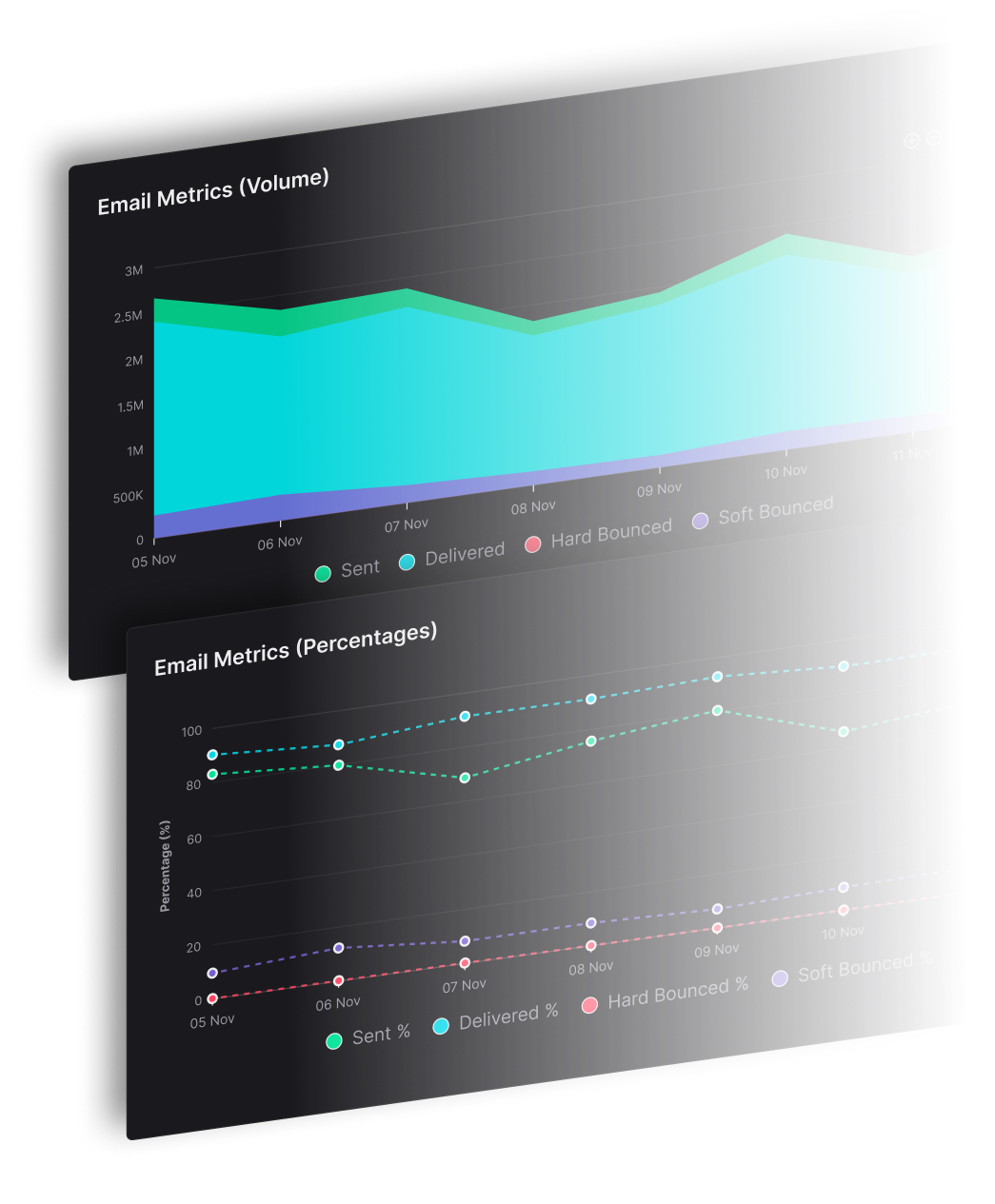


Get visibility into delivery and control over routing before making any migration decisions.
Talk to us about an easy Proof of Concept
What a SendPost migration actually looks like
Before any migration decisions are made, teams go through SendPost’s AI Suggest DM™ process.
This is the same process SendPost runs internally at SendX to operate and scale production email. You can see how it works in practice, decide if it fits your risk tolerance, and move forward only when you’re satisfied.
1. See it in production (SendX as proof)
Before anything changes in your stack, we show you how SendPost runs SendX today.
You can see how traffic is observed and controlled at scale, or what day-to-day operations look like when SendPost is in place
This gives you a concrete reference for how SendPost behaves under real load.
2. Seamless integration (POC on your existing infra)
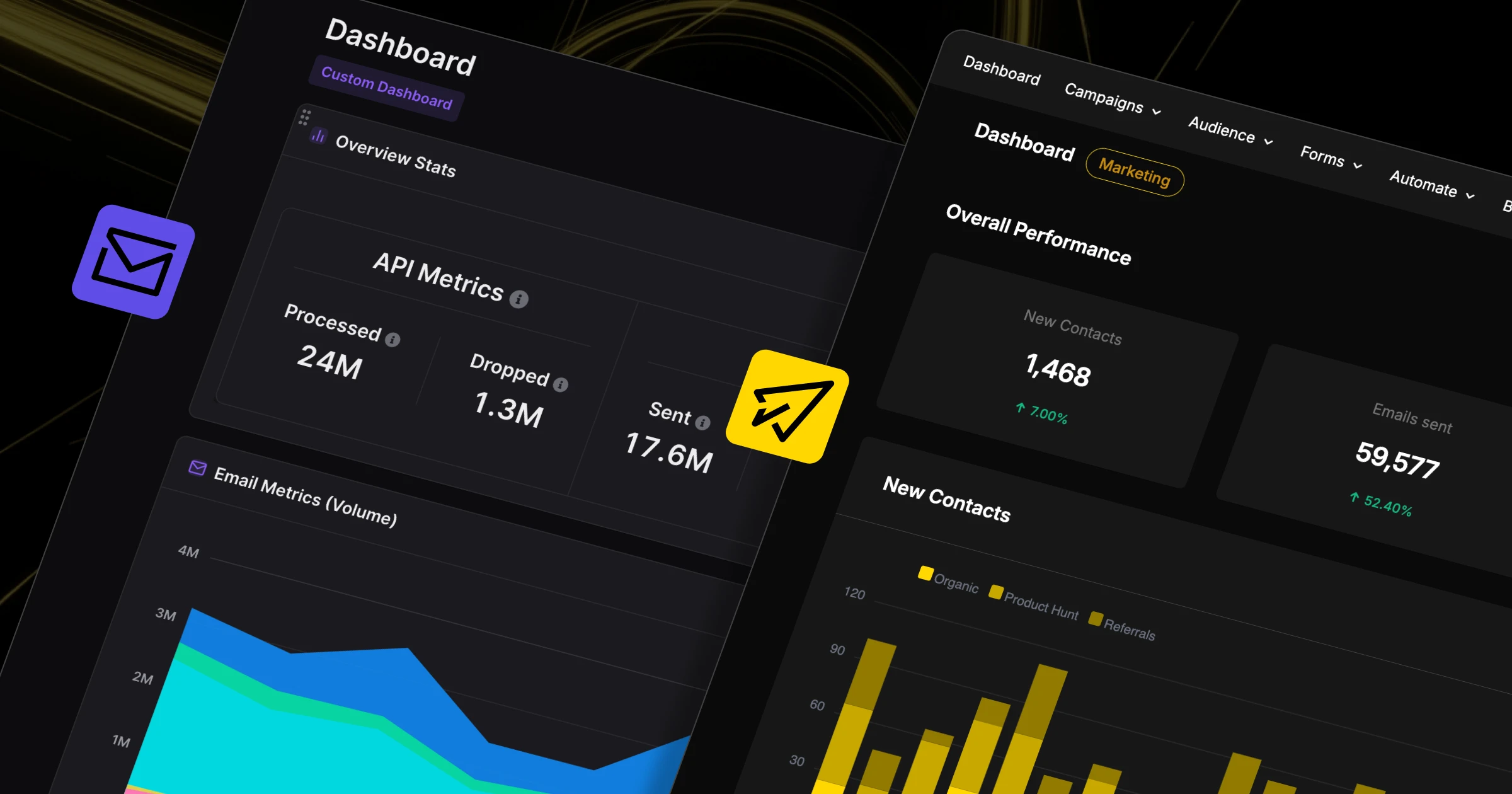
Next, we set up a proof-of-concept on top of your current sending infrastructure.
Your sending continues on SendGrid. SendPost sits alongside it, applying flow control and collecting delivery data.
At this stage, you’re evaluating visibility, control, and insights.
3. Demonstrate value (Diagnose, Repair, Protect)
With data flowing, SendPost begins its Diagnose, Repair, Protect process.
This phase focuses on:
Identifying delivery risks early
Highlighting provider-specific constraints
Showing what actions SendPost would take to protect reputation
You can see the value before any routing decisions are made.
4. Gradual migration (with guided warm-up)
Only after you’re confident in the data do teams begin routing traffic through SendPost infrastructure.
Migration is gradual and fully controlled by you. You decide how much traffic is routed through SendPost and how much remains on SendGrid.
SendPost provides guidance based on delivery signals, domain history, and IP reputation.
5. Scale value with data
As volume increases, SendPost shifts from migration support to scale support.
Teams can:
Track how deliverability improvements affect revenue
Measure efficiency gains from fewer incidents and manual interventions
Use AI reporting to guide scaling decisions
6. Policy-driven operations (Currently in beta)
As SendPost becomes part of your stack, teams define clear sending policies inside the system.
These policies control how traffic behaves when delivery signals change. For example, when to slow down, pause, or reroute volume. Instead of reacting manually to incidents, actions are enforced automatically based on agreed thresholds.
This makes SendPost part of day-to-day sending operations, not a tool you check only when something breaks.
See how SendPost works with SendGrid at a technical level (including API usage, event handling, IP pools, and routing) in our full integration documentation.
Read the SendGrid integration documentation →
The 3 pillars of a SendPost migration
Gradual
You don't move all your traffic at once. Start at 0%, introduce 5–10%, and increase only when the numbers look good to you. You control the pace.
Controlled
Traffic routing is handled at an IP-pool level. Decide how much volume sends through SendGrid vs. SendPost, and adjust the split anytime.
Reversible
If something doesn't look right, reduce the SendPost share, pause routing, or go back to 100% SendGrid at any time.
Everything in place to migrate safely
Hands-on support
You have access to people who help you interpret the data, adjust routing, and move at a pace that makes sense.
Secure by design
SendPost connects using scoped API access and does not import, modify, or delete your historical data.
Safe sending options
You can route traffic through SendPost’s pre-warmed IPs or keep volume on SendGrid while you evaluate performance.
How long does the migration usually take?
There’s no long migration window or overnight cutover.
For teams that are active, initial setup is often done in a few hours:
Connecting accounts is quick
Domain verification is straightforward
Routing configuration is simple
The part that varies is how long it takes to integrate the SendPost API, since that depends on your codebase and technical process.
Most teams are able to start sending or observing traffic the same day, then increase volume gradually over time.
Move when you’re ready. Not before.
If you’re considering SendPost, the next step isn’t a commitment.
It’s a conversation.
Talk to us about your migration
We’ll walk through your current setup, identify risks, and outline a migration plan that fits your tolerance and timelines.
