


A Quick Guide To Changing the Default From Name And From Email In Your SendX Account.
You can quickly set and change your default From Name and From Email from within your SendX account in just a few clicks. This allows for a quick workflow while creating your marketing campaigns.
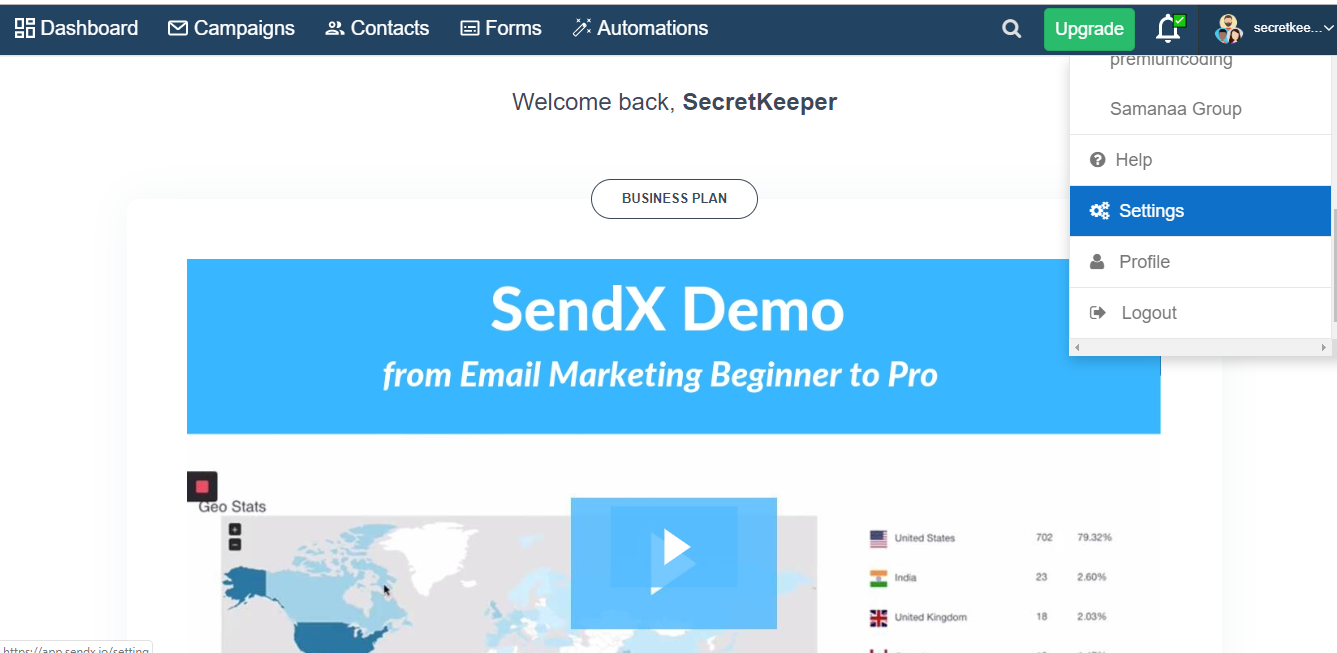
Go to the Settings button on the top right of your SendX dashboard.
Go to the Account Details tab.
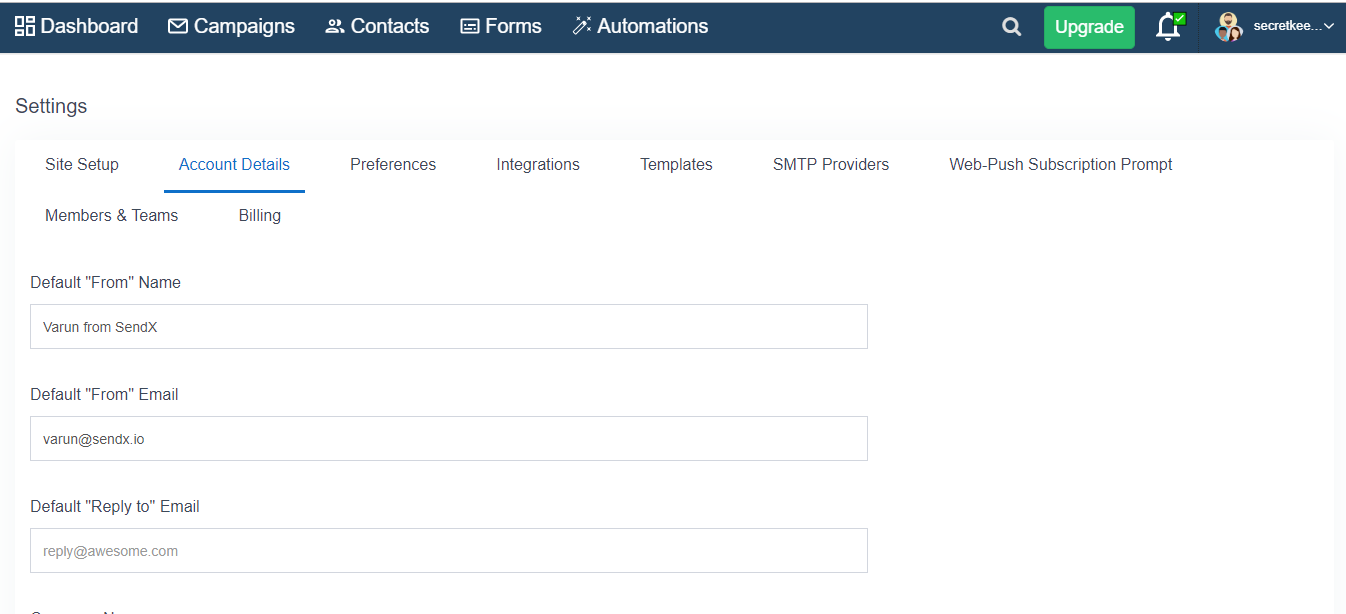
Here, under the Default "From" Name and Default "From" Email fields, you can set the name and email address accordingly.
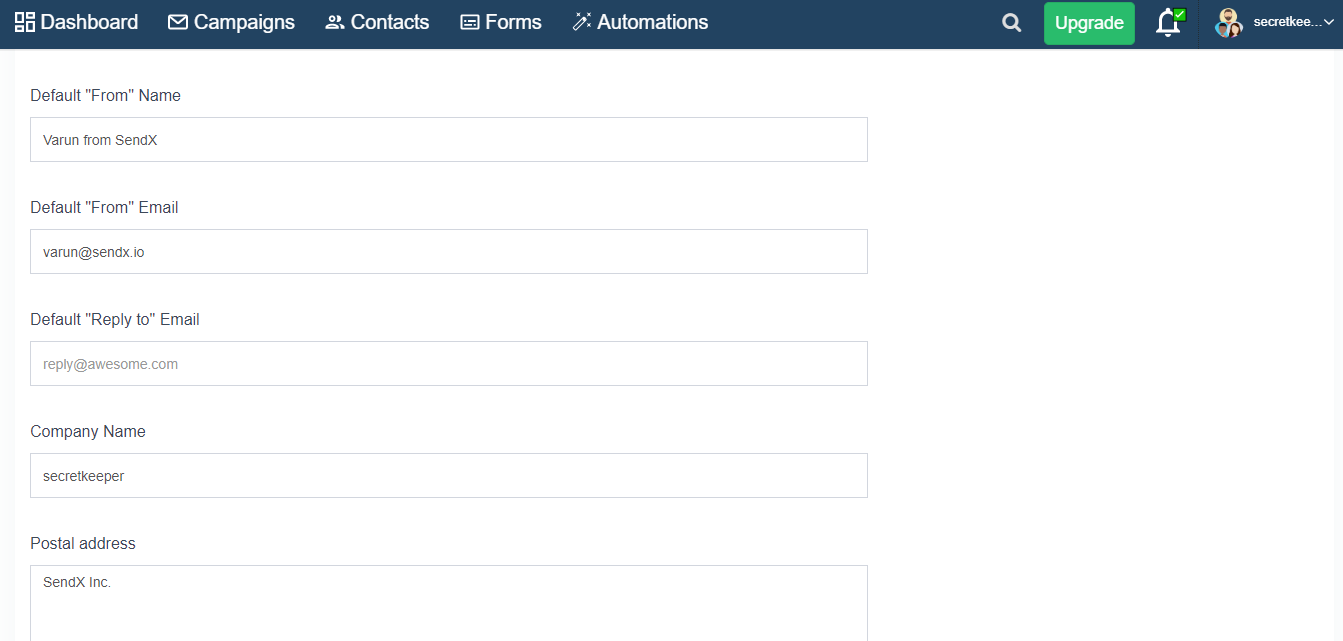
Scroll down and click Save Account Details when you're done.
That's it! With just a few clicks you can modify your default name and email and get started with your marketing campaigns using SendX.
