

If you're sending high volumes of emails, you know the struggle of having them end up in the spam folder. It's frustrating, to say the least. All that time and effort put into crafting the perfect email, only for it to disappear into the depths of the spam folder.
Not only does it decrease engagement, but it can also mean lost revenue for your business. Although there is no single magic bullet for this problem, there are a set of practices you can follow to make sure spam filters see your emails as legitimate and not from some “Nigerian prince.”
Before diving into strategies and best practices for avoiding spam filters, let’s take a step back and understand the problem. By doing so, you can better appreciate the solutions and the benefits that come with them.
The Spam Filter Algorithm
A spam filter algorithm is a computer program that automatically identifies and classifies emails as spam or not spam. It uses various techniques such as machine learning, statistical analysis, and pattern recognition to determine whether an email is unwanted or unsolicited.
Spam filter algorithms consider multiple factors when making determinations, including:
The content of the email
The sending domain and IP address
Specific words or phrases associated with spam
The recipient’s engagement history with the sender
The goal is to provide a high level of accuracy in detecting and blocking unwanted emails while minimizing false positives.
It’s important to note that different email service providers use different spam filter algorithms, so what might be flagged as spam by one provider may not be flagged by another. These algorithms are constantly evolving to stay ahead of new spamming tactics.
How to Avoid Spam Filters

Check Your Email Content
The content of your emails is one of the most important factors that spam filters analyze. Follow these best practices:
Avoid using trigger words or phrases like “earn money fast” or “limited time only.”
Refrain from using all capital letters, excessive punctuation, or too many exclamation points.
Include a clear and concise subject line that accurately reflects the email’s content.
Maintain a balanced ratio of text to images; do not rely solely on images or links.
Avoid misleading or clickbait language..
Maintain a Good Sender Reputation
Your sender reputation plays a crucial role in email deliverability. Use these strategies to maintain it:
Use a reputable email service provider with a strong sending history.
Keep your list clean by removing inactive subscribers or invalid addresses regularly.
Warm up your sending IP gradually to establish a good reputation.
Authenticate your emails using SPF, DKIM, and DMARC to build domain trust.
Focus on Recipient Engagement
Recipient engagement helps determine how filters treat your emails. To boost engagement:
Segment your list based on engagement level and send targeted campaigns.
Encourage subscribers to add your email address to their contact list.
Include an easy and visible unsubscribe option for users who wish to opt out.
Test emails with small segments before full-scale sending to gauge engagement.
Monitor the Delivery Rate
Monitoring your delivery rate ensures ongoing inbox placement.
Track open, click, and bounce rates regularly.
Adjust your sending frequency if deliverability begins to drop.
Test your campaigns across devices and email clients to identify issues.
By following these best practices, you’ll increase your chances of landing in the inbox instead of the spam folder. Keep in mind that spam filters evolve continuously, so ongoing monitoring and adjustments are essential.
Can an ESP Help You Avoid Spam Filters?
Yes. An email service provider (ESP) like SendPost can help you avoid spam filters.
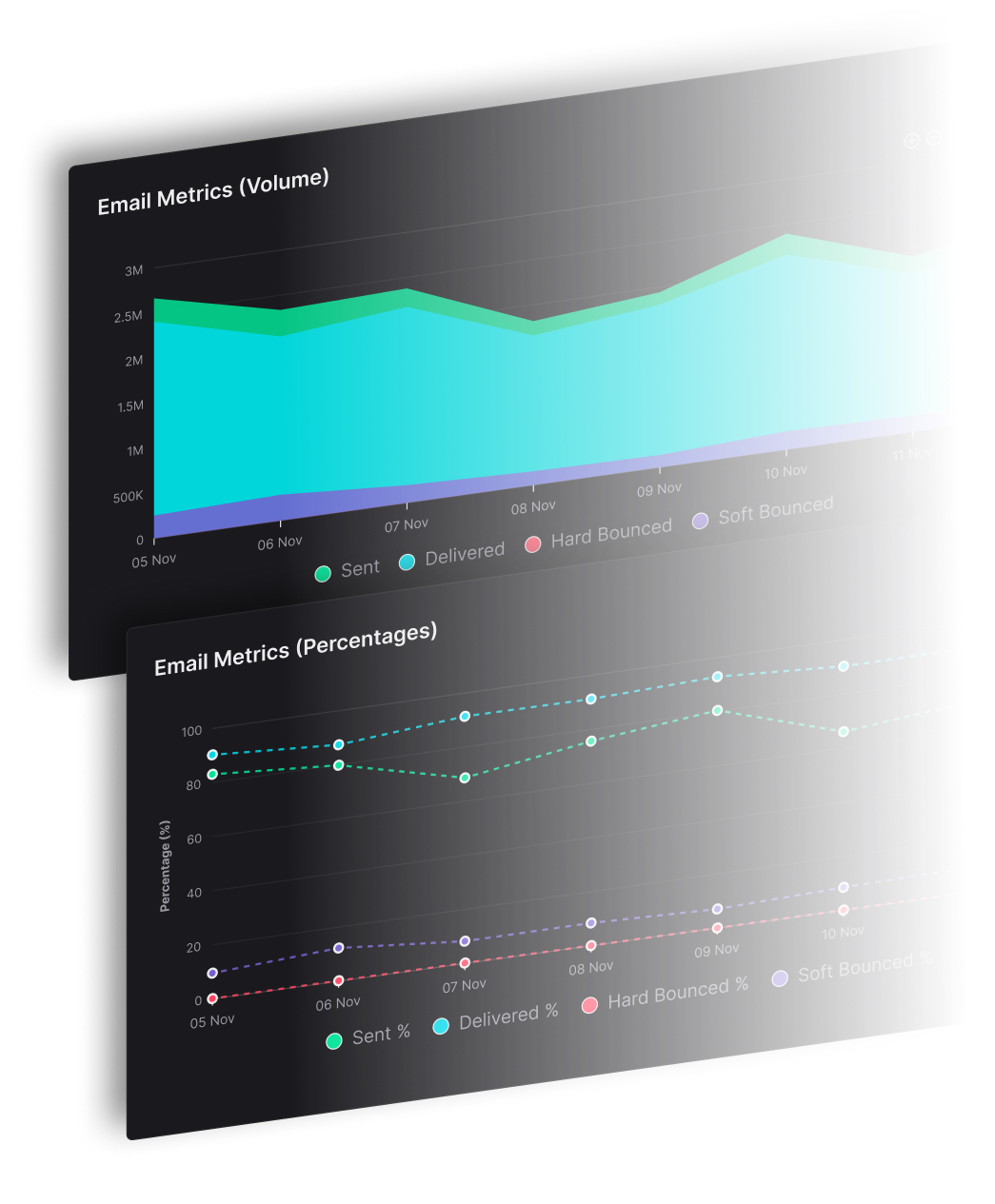
SendPost offers built-in systems and deliverability best practices to maximize inbox placement. Its advanced monitoring and reporting tools allow you to track performance in real time and make necessary adjustments.
You’ll also have access to expert technical support to help resolve deliverability issues efficiently.
Ready to improve your inbox placement?
Sign up for free or schedule a demo with SendPost today to ensure your next campaign lands exactly where it should—your customer’s inbox.
