



A Quick Guide To Adding Extra Fields In Your Form.
SendX makes adding extra fields in your embedded form a breeze. Read this short guide to find out how.
Create a New Embedded Form or Edit an already existing one depending on which form you want to add extra fields to.
Go to the Content tab.
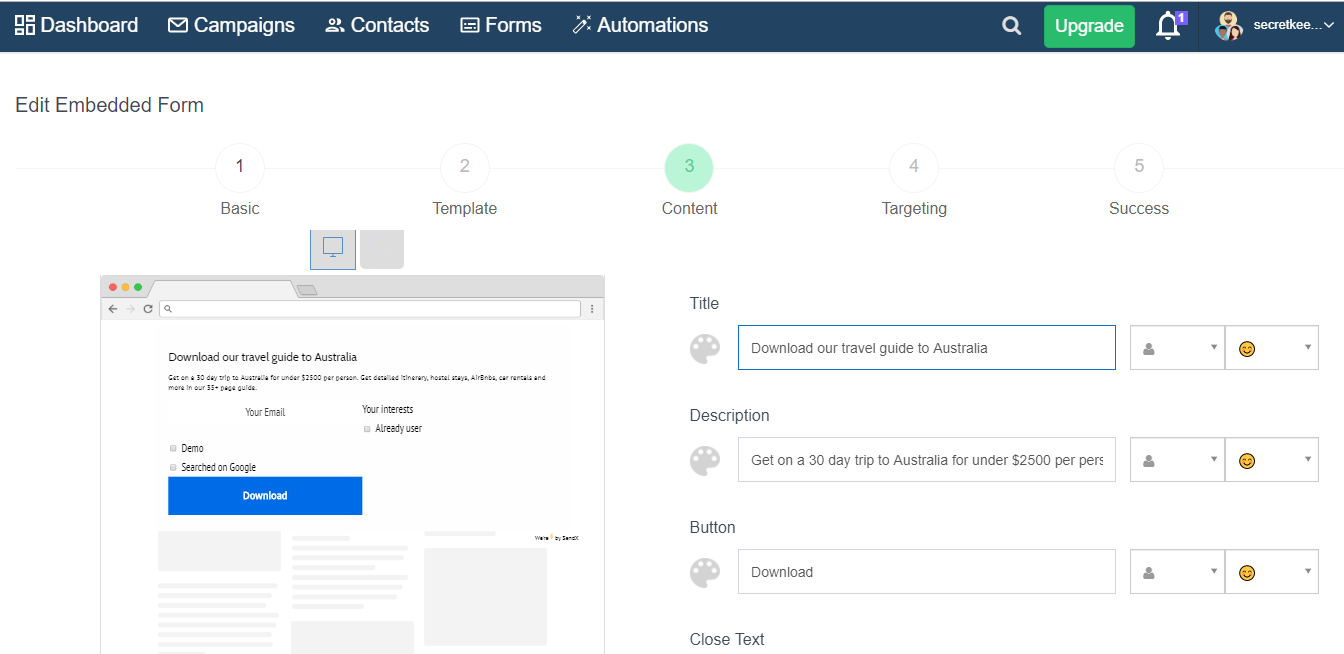
Scroll down till you see the Fields area.
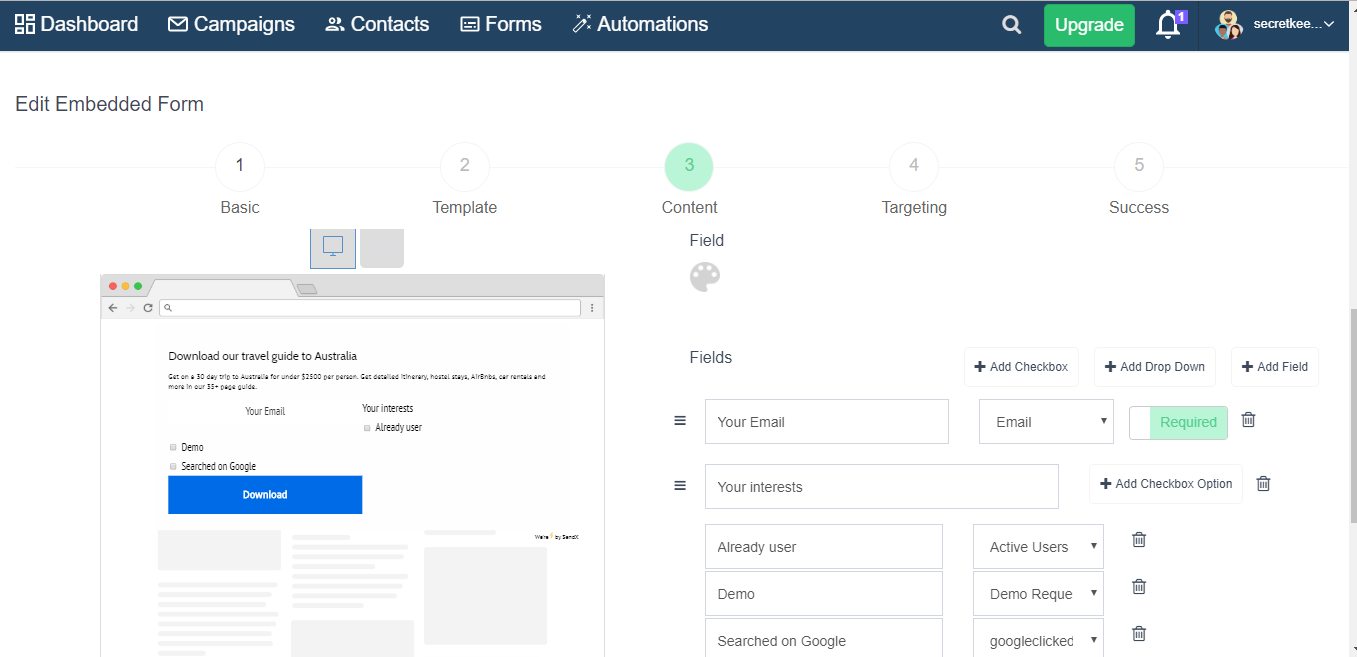
Click on Add Field. Choose which field you want to add.
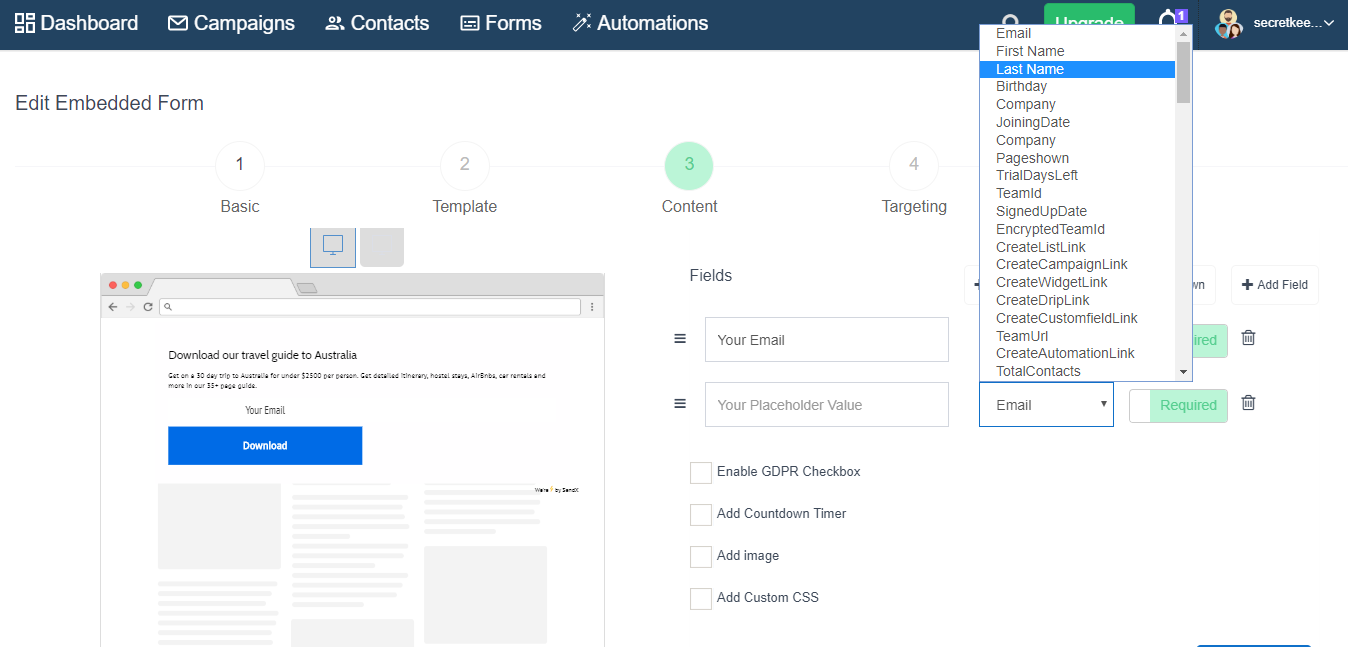
Click Submit when you're done.
And that's it! With just a few clicks you can start capturing more information in your pop-ups!
